
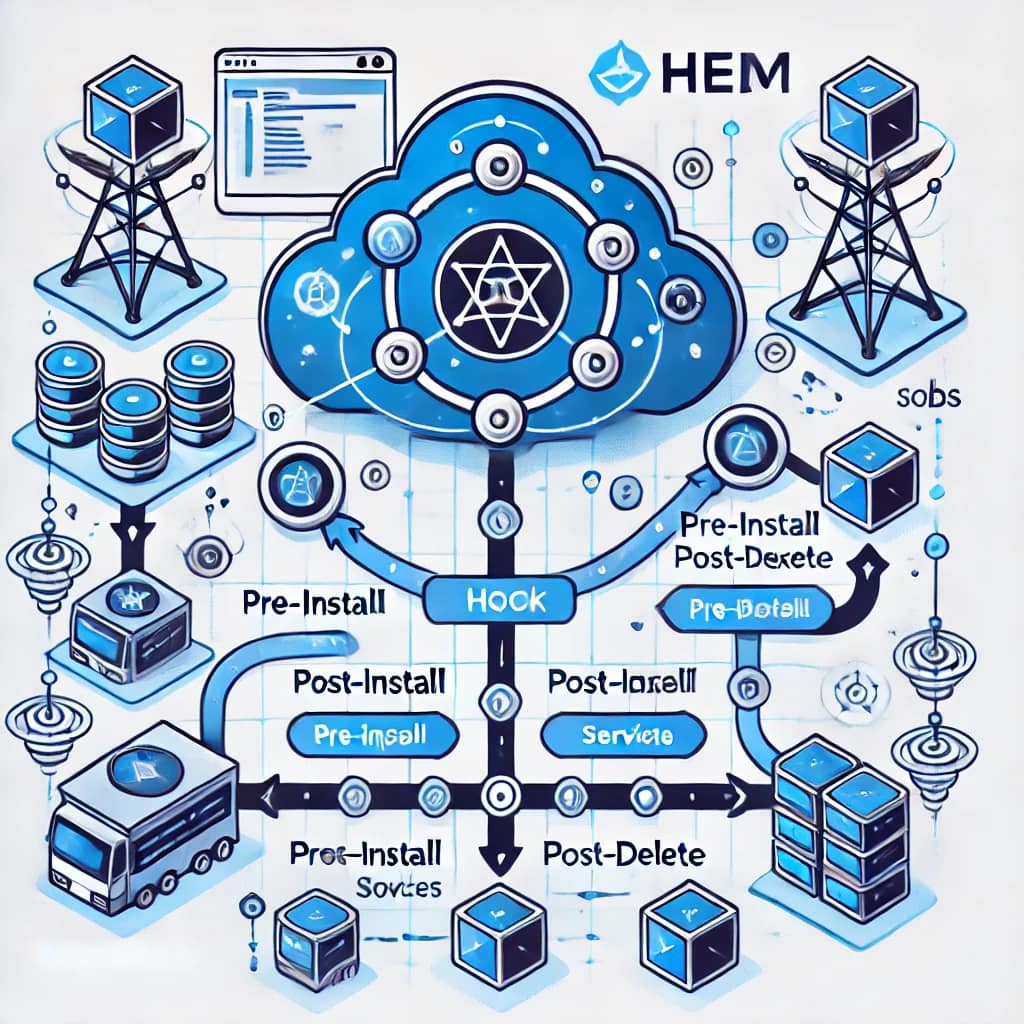
Helm hooks are a powerful yet often misunderstood feature ofHelm Hooks: Complete Guide to Using Hooks in Helm Charts
Helm hooks are a powerful—but often misunderstood—feature of Helm, the Kubernetes package manager. They allow you to execute Kubernetes resources at specific points in the Helm release lifecycle, enabling advanced deployment workflows, validations, migrations, and cleanups.
In this complete guide to Helm hooks, you’ll learn:
- What Helm hooks are and how they work internally
- All available Helm hooks and when to use each one
- Real-world use cases with practical examples
- Best practices and common pitfalls when working with Helm hooks in Kubernetes
If you build or maintain Helm charts in production, understanding Helm hooks is essential.
What Are Helm Hooks?
Helm hooks are Kubernetes resources annotated with special metadata that instruct Helm to execute them at specific lifecycle events, such as:
- Before or after an install
- Before or after an upgrade
- Before or after a rollback
- During deletion
- When running tests
From a technical perspective, Helm hooks are implemented using annotations on standard Kubernetes resources (most commonly Job objects).
Helm evaluates these annotations during a Helm operation and executes the hooked resources outside the normal install/upgrade flow, giving you fine-grained lifecycle control.
Available Helm Hooks and Use Cases
Helm provides several hooks that correspond to different lifecycle stages. Below is a detailed breakdown of all Helm hooks, including execution timing and common use cases.
1. pre-install
Execution timing
After templates are rendered, but before any Kubernetes resources are created.
Typical use cases
- Creating prerequisites (ConfigMaps, Secrets)
- Performing environment validation
- Preparing external dependencies
apiVersion: batch/v1
kind: Job
metadata:
  name: setup-config
  annotations:
    "helm.sh/hook": pre-install
spec:
  template:
    spec:
      containers:
        - name: config-creator
          image: busybox
          command: ['sh', '-c', 'echo "config data" > /config/config.txt']
      restartPolicy: Never
2. post-install
Execution timing
After all resources have been successfully created.
Typical use cases
- Database initialization
- Data seeding
- Post-deployment verification
apiVersion: batch/v1
kind: Job
metadata:
  name: init-database
  annotations:
    "helm.sh/hook": post-install
spec:
  template:
    spec:
      containers:
        - name: db-init
          image: busybox
          command: ['sh', '-c', 'init-db-command']
      restartPolicy: Never
3. pre-delete
Execution timing
Triggered before Helm deletes any resources.
Typical use cases
- Backups
- Graceful shutdowns
- External cleanup preparation
apiVersion: batch/v1
kind: Job
metadata:
  name: backup-before-delete
  annotations:
    "helm.sh/hook": pre-delete
spec:
  template:
    spec:
      containers:
        - name: backup
          image: busybox
          command: ['sh', '-c', 'backup-command']
      restartPolicy: Never
4. post-delete
Execution timing
After all release resources have been deleted.
Typical use cases
- Cleaning up cloud resources
- Removing external state
- Audit logging
apiVersion: batch/v1
kind: Job
metadata:
  name: cleanup
  annotations:
    "helm.sh/hook": post-delete
spec:
  template:
    spec:
      containers:
        - name: cleanup
          image: busybox
          command: ['sh', '-c', 'cleanup-command']
      restartPolicy: Never
5. pre-upgrade
Execution timing
Before Helm applies any upgrade changes.
Typical use cases
- Schema validation
- Pre-upgrade checks
- Compatibility verification
apiVersion: batch/v1
kind: Job
metadata:
  name: pre-upgrade-check
  annotations:
    "helm.sh/hook": pre-upgrade
spec:
  template:
    spec:
      containers:
        - name: upgrade-check
          image: busybox
          command: ['sh', '-c', 'upgrade-check-command']
      restartPolicy: Never
6. post-upgrade
Execution timing
After all upgraded resources are applied.
Typical use cases
- Data migrations
- Smoke tests
- Post-upgrade validation
apiVersion: batch/v1
kind: Job
metadata:
  name: post-upgrade-verify
  annotations:
    "helm.sh/hook": post-upgrade
spec:
  template:
    spec:
      containers:
        - name: verification
          image: busybox
          command: ['sh', '-c', 'verify-upgrade']
      restartPolicy: Never
7. pre-rollback
Execution timing
Before Helm reverts to a previous release revision.
Typical use cases
- Data snapshots
- Notifications
- Rollback preparation
apiVersion: batch/v1
kind: Job
metadata:
  name: pre-rollback-backup
  annotations:
    "helm.sh/hook": pre-rollback
spec:
  template:
    spec:
      containers:
        - name: backup
          image: busybox
          command: ['sh', '-c', 'rollback-backup']
      restartPolicy: Never
8. post-rollback
Execution timing
After rollback resources are restored.
Typical use cases
- State verification
- Alerting
- Post-incident actions
apiVersion: batch/v1
kind: Job
metadata:
  name: post-rollback-verify
  annotations:
    "helm.sh/hook": post-rollback
spec:
  template:
    spec:
      containers:
        - name: verify
          image: busybox
          command: ['sh', '-c', 'verify-rollback']
      restartPolicy: Never
9. test
Execution timing
Executed only when running helm test.
Typical use cases
- Integration tests
- Health checks
- End-to-end validation
apiVersion: batch/v1
kind: Job
metadata:
  name: test-application
  annotations:
    "helm.sh/hook": test
spec:
  template:
    spec:
      containers:
        - name: test
          image: busybox
          command: ['sh', '-c', 'run-tests']
      restartPolicy: Never
Helm Hook Annotations Explained
Helm provides additional annotations to control hook behavior:
helm.sh/hook-weight
Controls execution order. Lower values run first.helm.sh/hook-delete-policy
Determines when hook resources are deleted:hook-succeededhook-failedbefore-hook-creation
helm.sh/resource-policy: keep
Prevents Helm from deleting the resource, useful for debugging.
These annotations are critical for avoiding orphaned jobs and unexpected hook behavior.
Best Practices for Using Helm Hooks
✔ Use hooks sparingly — avoid overloading charts with logic
✔ Prefer idempotent hook jobs
✔ Always define restartPolicy: Never for Jobs
✔ Clean up hook resources with hook-delete-policy
✔ Avoid using hooks for core application logic
Conclusion
Helm hooks give you precise control over the Kubernetes deployment lifecycle, making them invaluable for advanced Helm charts and production workflows. When used correctly, they enable safer upgrades, cleaner rollbacks, and more reliable deployments.
FAQ & Takeaways
What are Helm hooks?
Helm hooks are Kubernetes resources annotated so that Helm executes them at specific points in the release lifecycle (e.g., before or after install, upgrade, delete). They allow you to prepare prerequisites, run jobs, or clean up resources.
How do I use Helm hooks in my Helm charts?
You add helm.sh/hook annotations to Kubernetes manifests in your chart. These annotations tell Helm when to run the resource (pre-install, post-install, pre-delete, etc.). Jobs are commonly used to implement hook tasks.
When should I use pre-install vs post-install hooks?
Use a pre-install hook when you need to create prerequisites (like ConfigMaps or Secrets) or validate the environment before deploying. Use a post-install hook when you need to initialize a database, seed data, or run verification jobs after the chart is installed.
Are Helm hooks removed automatically?
By default, hook resources are deleted after execution, but you can control this with the helm.sh/hook-delete-policy annotation (e.g., hook-succeeded, hook-failed, before-hook-creation) or keep them for debugging with helm.sh/resource-policy: keep.
What is the difference between Helm hooks and Helm tests?
Helm hooks run automatically at specified lifecycle events (install, upgrade, delete, rollback), whereas Helm tests run only when you invoke helm test. Tests are used to validate the health or functionality of your deployment.
To deepen your Helm expertise, check out our
👉 comprehensive Helm charts guide